- The Rundown University
- Pages
- 💡 Day 1: Why Your AI Prompts Aren’t Working


Hey everyone,
Welcome to Day 1 of our 5-day Introduction to AI email course!
We’re kicking this series off with why most AI outputs feel so generic, and how you can get better responses that are more personalized and helpful.
AI models like ChatGPT are trained on the entire internet: blog posts, articles, Reddit threads, emails, good examples, bad examples, and everything in between.
So when you give it a vague prompt like "write me a marketing email", it doesn't know if you want something formal or casual, long or short, salesy or subtle. It has millions of examples to pull from.
What does it do? It aims straight for the middle. The average of everything it's seen.
That's why outputs feel bland — you're not giving it enough context and direction, so average is all it can give you back.
Today we're sharing a 6-step formula that fixes this. Think of it as a checklist: the more of these you include, the better your output. The first three carry the most weight, but they all work together.
1. Task: Clearly define your end goal
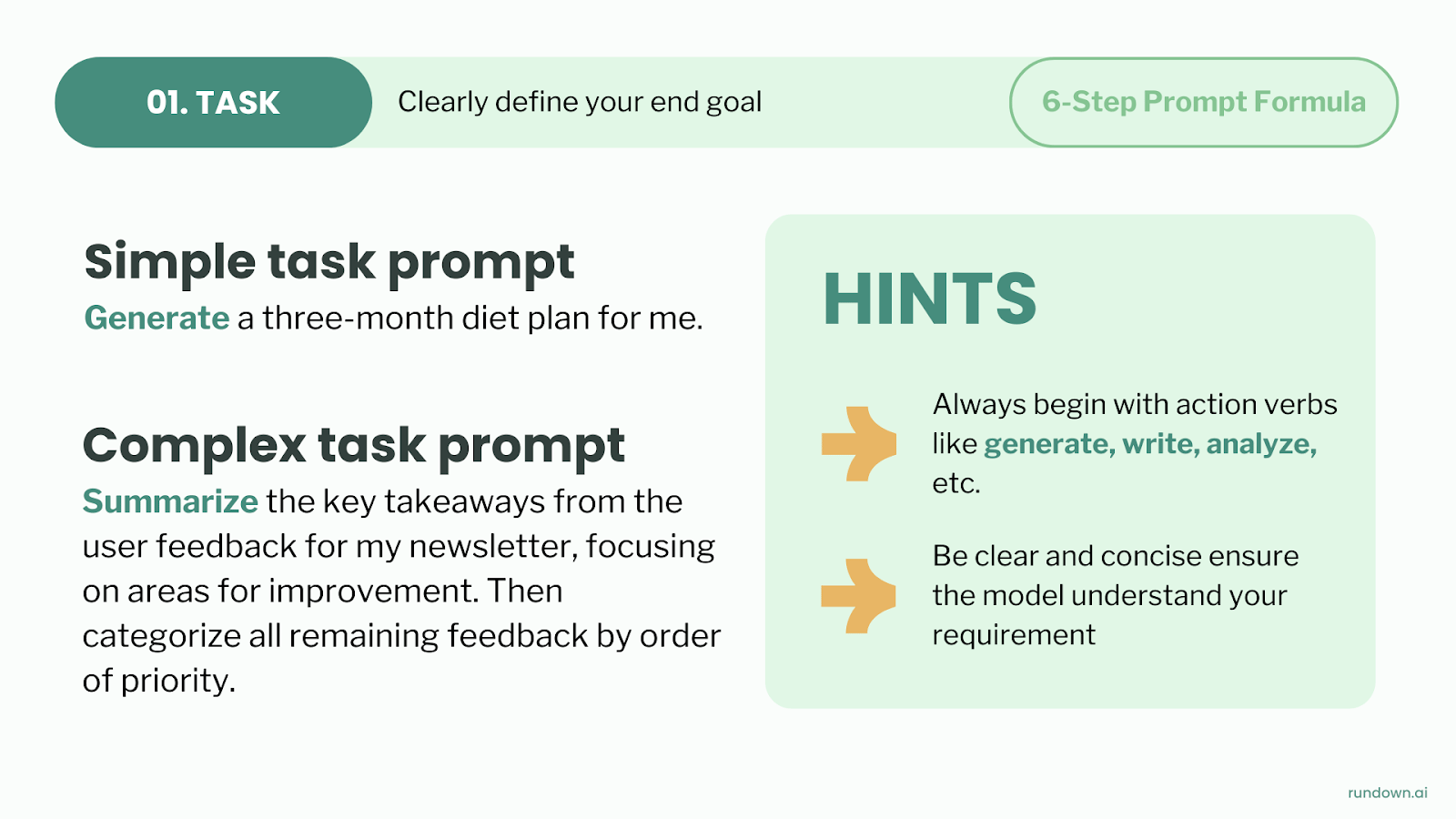
Start with an action verb and be specific about what you want AI to do. The clearer your instructions, the less AI has to guess and the better your result.
Weak: "Write a product description."
Strong: "Write a 200-word product description highlighting three key features for our outdoor camping gear website."
The difference is that strong tasks tell AI what to do, how much to produce, and what the end result should look like. Less guessing means better output.
2. Context: Tailor the response

This is where most prompts fail. AI doesn't know who you are, what you're working on, or what success looks like unless you spell it out.
Try answering these three questions in your prompt:
What is the user’s background?
What does success look like?
What is the setting/environment?
Without context: "Write a follow-up email using this meeting transcript."
With context: "Write a follow-up email using this meeting transcript. I'm a SaaS account executive, just met with a VP of Operations who's worried about implementation time, and our main competitor is already talking to them. I need to address concerns while creating some urgency."
It’s the same request, but now AI has everything it needs to write something actually useful.
3. Examples: Mimic style, structure, and tone
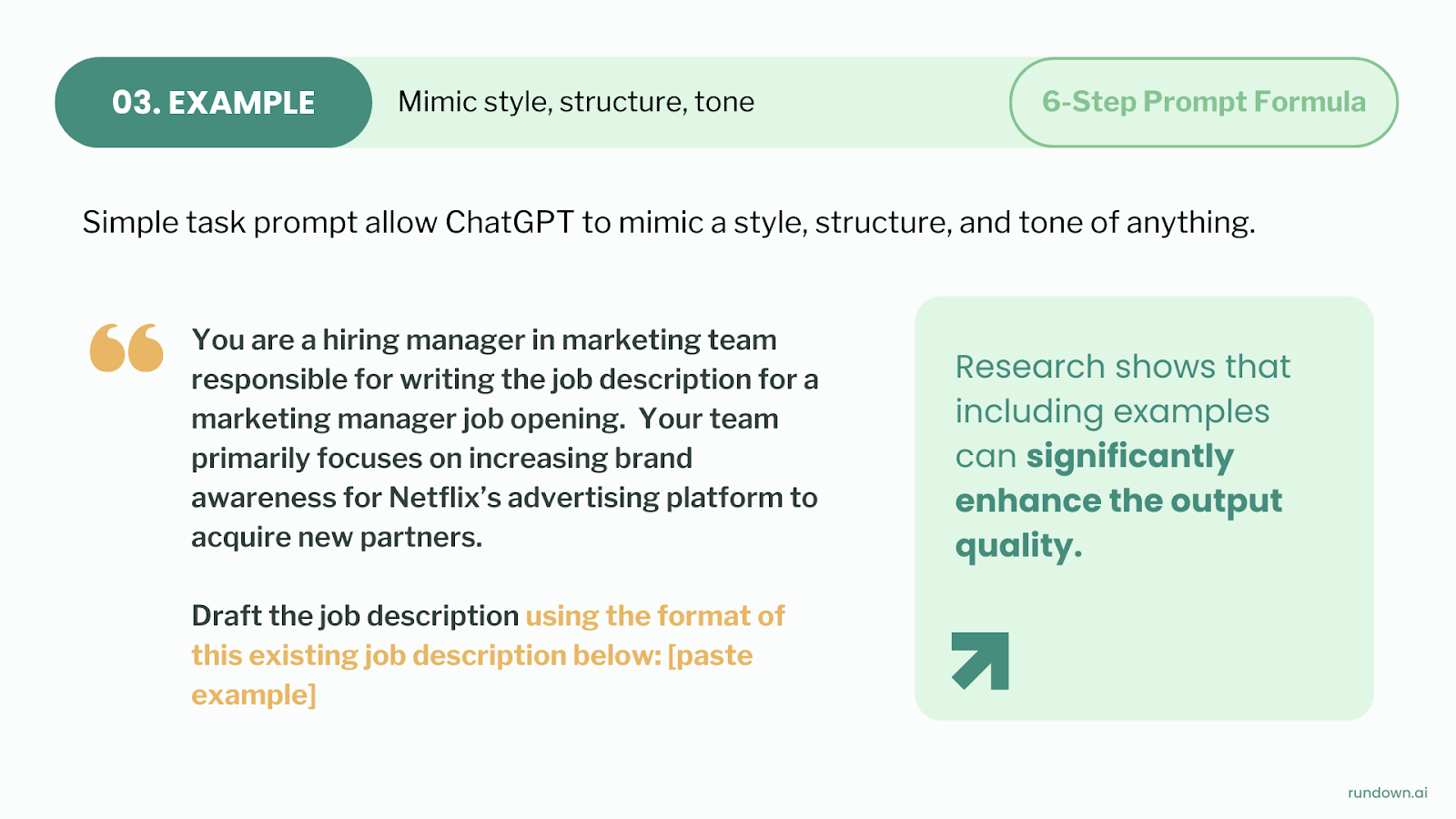
This is the secret prompting technique most people skip entirely.
AI is extremely good at pattern matching, so instead of trying to describe exactly what you want, you can just show it:
Paste a previous email you've written that captures your voice.
Share a template or structure you like.
Show an example of how you've formatted something before.
For writing tasks, tell ChatGPT: "Match the tone and style of this example: [paste example]"
If you don't have examples handy, check your sent emails folder, look at templates from your industry, find competitor content you admire, or even grab a ChatGPT output from a previous conversation that worked well. A rough example beats no example every time.
4. Persona: Embody a specific expertise

Using persona shifts the perspective and depth of the response in ways that might surprise you.
When you say "You're a sales manager," AI focuses on persuasion and closing. When you say "You're an operations manager," it prioritizes efficiency and process. The same question gets very different answers depending on the expertise you ask it to embody.
Use personas for complex tasks that need specialized knowledge, situations requiring a specific point of view, or creative work where you want a distinct voice.
5. Format: Tell AI how to structure the output
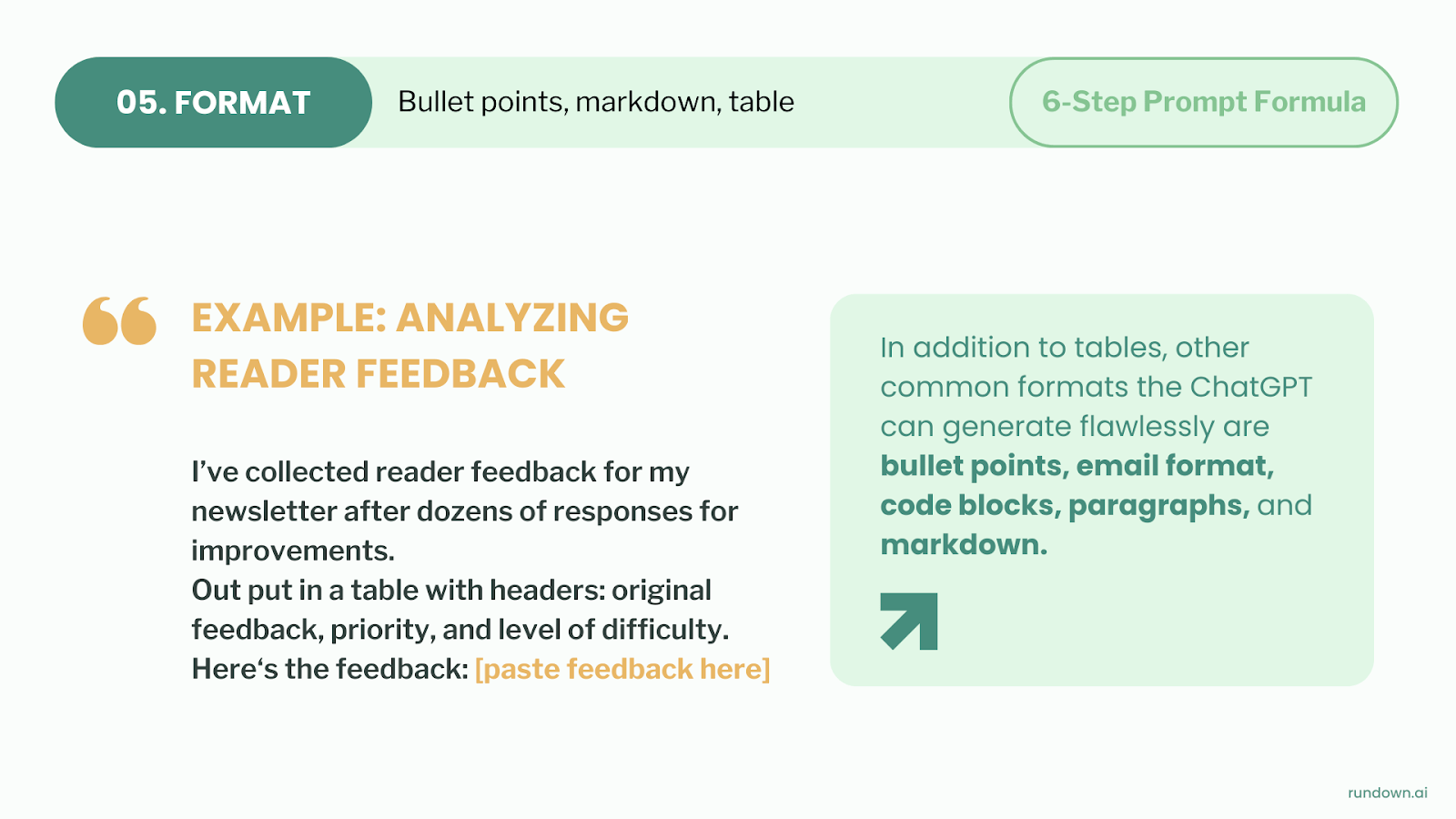
Don't let AI decide how to present information. Tell it exactly what you want: bullet points, a table, numbered steps, paragraphs, markdown, whatever fits your use case.
For example:
"Give me this as a numbered list with one sentence per item"
"Present this in a table with columns for X, Y, and Z"
"End with a clear next-steps section with owners and deadlines"
The format you choose should match how you'll actually use the output. If it's going into a slide deck, ask for short bullets. If it's a report, ask for full paragraphs with transitions.
6. Tone: Add emotional context

Tone tells AI how your message should feel to the reader. Without it, you get neutral, which usually comes across as robotic.
Think about your audience — what's their relationship to you? What emotional state are they in? What action do you want them to take?
Adding a simple tone instruction like "Use a friendly tone" or "Keep it professional but approachable" can completely change the output.
Putting it all together
Here’s a complete example you can copy and reuse:
Task: Write a follow-up email summarizing a sales call and proposing next steps.
Context: I’m a B2B SaaS account executive selling to mid-market operations teams. The buyer is concerned about implementation time and internal buy-in. Here is the meeting transcript: [paste meeting transcript].
Examples: Match the tone and structure of this previous follow-up email: [paste example].
Persona: Act as a senior sales manager who is concise and persuasive.
Format: Create 3 short paragraphs followed by bullet-point next steps.
Tone: Write this in a professional, confident, and helpful tone.
Try rebuilding one of your recent prompts using the 6-step prompt formula and you'll feel the difference immediately.
Tomorrow, we'll show you how to set up custom projects inside ChatGPT so you never have to re-explain yourself again — this one's a big time saver for anyone who uses AI regularly.
See you then,
Rowan & The Rundown Team